Multi-factor authentication has reigned king in the world of mobile security, and especially mobile banking and financial apps, for years now.
In fact, roughly 70% of banks now support MFA to strengthen account protection, reflecting how widely these technologies are trusted to secure accounts.
Yet at the same time, losses from account takeover fraud are soaring, and fraudsters continue to find ways around the very controls meant to stop them. Account takeover losses alone are projected to exceed $12.5 billion worldwide, more than double the previous year’s level.
And this gap between wide adoption of MFA and rising compromises isn’t necessarily a contradiction but more a consequence of how MFA factors are chosen and implemented.
The concept of MFA isn’t a problem: it’s the patterns of selection and use that leave security goals unmet, user experience degraded, and fraud opportunities open.
Why MFA Success Often Looks Better on Paper than in Practice
At an architectural level, MFA was a breakthrough.
It helped us “fix” passwords, a long-time weak link in authentication chains, by requiring an additional factor. This additional factor was something you have (a device, token), something you are (biometrics), or something you know (a PIN or code).
But no real-world implementation is as straight-forward as it first seems.
Organizations often choose MFA methods based on speed of rollout and legacy compatibility, not fraud patterns. Security teams focus on compliance, product teams focus on conversion, and engineering teams focus on speed of delivery.
Moreover, user experience concerns often push teams toward the least resisted option, even if that option offers weaker security against sophisticated attacks. What’s more, this doesn’t have to be the most seamless option, just one that’s familiar to users even if outdated by modern security standards.
All that works together to create a gap between technology potential and implementation reality where fraud thrives.
Common MFA Choices That Create Real-World Risk
OTP-based MFA: Convenient, But Vulnerable
One-time passwords remain one of the most common additional authentication factors, most often delivered via email. Fairly easy to deploy, this method feels familiar to many users.
That being said, OTPs come with a few important vulnerabilities: they’re susceptible to interception and various social engineering schemes.
To start with, the SMS technology relies on SS7 signaling, which has known vulnerabilities that can allow messages to be intercepted or rerouted.
Then there’s SIM swapping where fraudsters trick your mobile operator into issuing them a new SIM card with your number on it. And with an 80% success rate, it’s one of the most successful social engineering strategies, on a constant increase.
Finally, you should also take into consideration the delivery failures and delays that not only seriously erode your user experience and user trust, but also create blind spots in the authentication logic with users requesting multiple codes.
This isn’t to say that OTPs don’t add a layer of security, because they do. But the problem is that the way they are delivered can also introduce risk.
When the delivery channel itself isn’t fully reliable, the protection OTPs offer can weaken instead of strengthen security.
Push-based MFA: Secure Until Users Get Fatigued
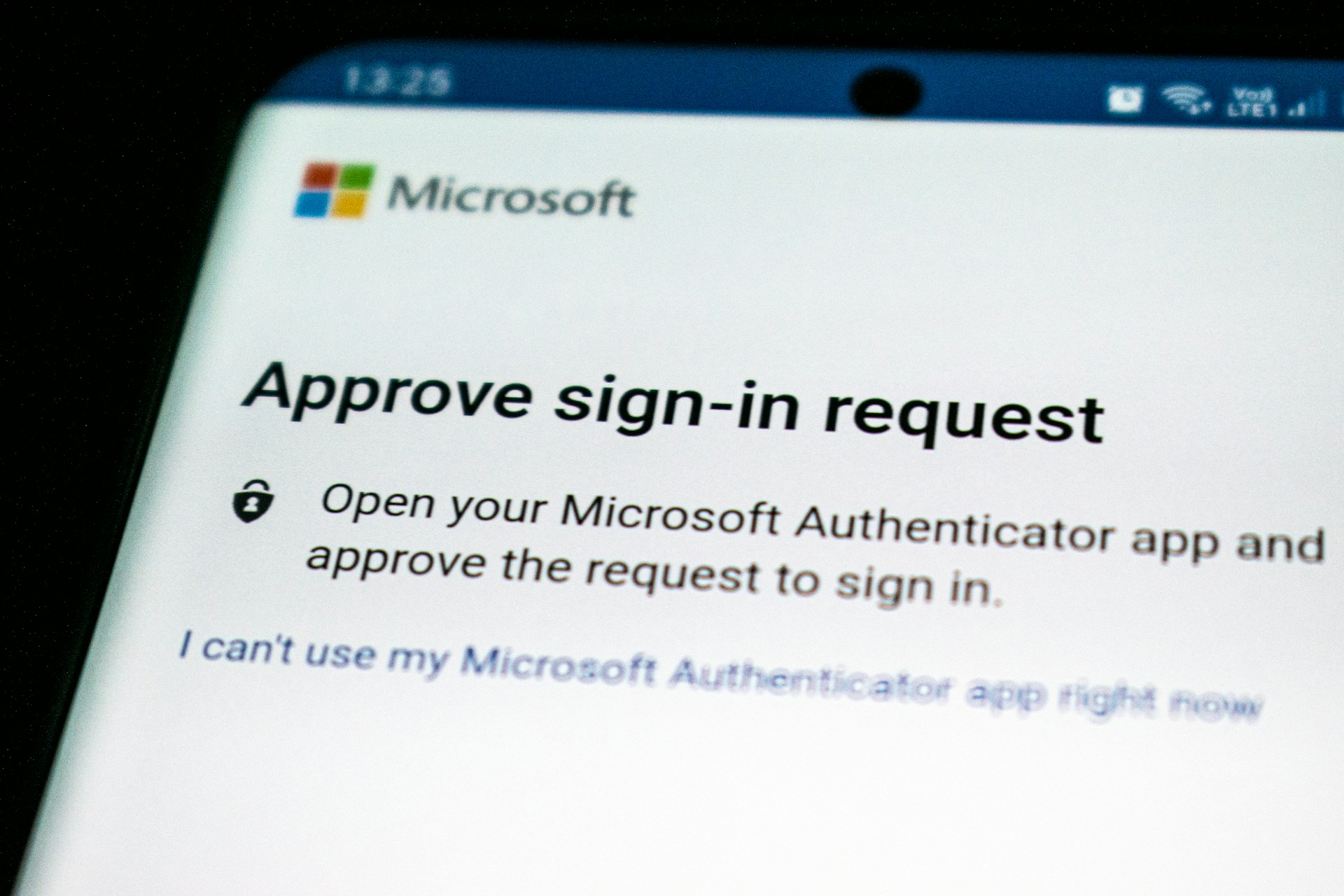
You’ve definitely used push-based MFA by now. It’s that one screen that pops up asking you to approve a login, and it’s usually faster and easier to complete than SMS OTPs.
But attackers have already adapted, and that’s where MFA fatigue comes in.
MFA fatigue happens after push bombing where fraudsters send repeated approval requests until a frustrated user simply taps “yes”. At times, the users will be distracted or the prompt low context, so they may approve a prompt without recognizing the attempt was coming from a malicious actor. And they’re in.
Over time, exploiting user behaviour, repeated MFA prompts can reduce user attention, making approvals more automatic and less deliberate.
A user requests a login code, doesn’t receive it immediately, requests another, and then approves a push notification moments later. From the system’s perspective, everything looks normal. From an attacker’s perspective, it’s an opportunity created by delay, repetition, and confusion.
Friction, UX, and Security: When MFA Backfires
The way some MFA systems have been implemented can actually defeat their purpose.
This typically happens when user experience isn’t taken into account and more steps are added in the name of security. Repeated passwords, opening and closing multiple apps, entering codes, or answering security questions create friction that quickly adds up in mobile journeys.
As friction increases, users respond in predictable ways. Some drop off entirely, while others look for shortcuts to make the process faster. This leads to unsafe practices such as password and code reuse, rushed approvals, and attempts to bypass security controls altogether.
The business impact is immediate. 60% of users feel they are occasionally, frequently, or always slowed down or blocked from accessing services online. When this friction happens in an onboarding process, 43% of users simply abandon your app or website.
Operational costs rise as well. $5.2 million per year is the amount the average firm spends on setting and resetting passwords, while analysts estimate that 40% of all help desk calls are related to passwords and resets. These recovery flows are not only expensive, but often become easier targets for attackers than the original login process.
Despite this, there is still a widespread belief that stronger security must come at the cost of worse user experience. In mobile security, that assumption rarely holds.
When authentication works quietly in the background, fast, consistent, and predictable, users are more likely to follow intended security patterns and less likely to look for workarounds. Ease of use directly influences trust: 70% of users prefer an authentication method for its ease of use, while 95% of MFA users opt for mobile apps due to their convenience.
In mobile environments, good UX doesn’t compete with security. It enables it.
What Effective MFA Looks Like in Practice, and Where IPification Fits
What would an ideal multi-factor authentication system look like in practice?
It would minimize reliance on user action. By doing this, the human factor risk would be minimized.
To further reduce the effectiveness of social engineering, these MFA factors would also be resistant to phishing and interception.
Finally, if it could adapt to context rather than enforcing static challenges, and work this consistently across different conditions, you’d have a guardian as perfect as you could get.
This is where network-based identity becomes a powerful complement to traditional MFA methods. With a powerful tech infrastructure already in place, mobile network operators are a natural leader in this space that can strengthen MFA with mobile network intelligence.
Strengthening MFA with Mobile Network Intelligence
This is the core approach behind IPification, which strengthens MFA by leveraging signals already present in the mobile network, as well as the user device itself.
IPification assigns each user a unique Mobile ID key made of their SIM card, device and network data. Instead of asking users to enter codes or approve prompts, IPification validates whether the request originates from the Mobile ID already associated with the account.
This directly addresses the weaknesses outlined earlier.
Because there aren’t any passwords to phish or OTPs to intercept, it puts a stop to social engineering. And with a seamless user experience, it quickly becomes an authentication method users trust and love, taking milliseconds to complete.
It’s a great way to increase security without adding visible complexity.
And this is the key to reaping the great benefits that multi-factor authentication promises.
Not all multi-factor authentication is created equal. What separates the very best from the rest is choosing complementary factors that strengthen security without adding friction, and especially in mobile environments where trust is earned in milliseconds.
Learn how IPification can strengthen MFA for your mobile app. Contact us to schedule a quick call with our team of experts.